World Forge — Fantasy World Builder
A downloadable tool for Windows, macOS, Linux, and Android
World Forge — Fantasy World Builder
A single HTML file that runs entirely in your browser. No account, no internet required, no data ever leaves your machine. Download it once and it works forever.
$5 · One-time purchase · No subscription · No upsells
What's inside
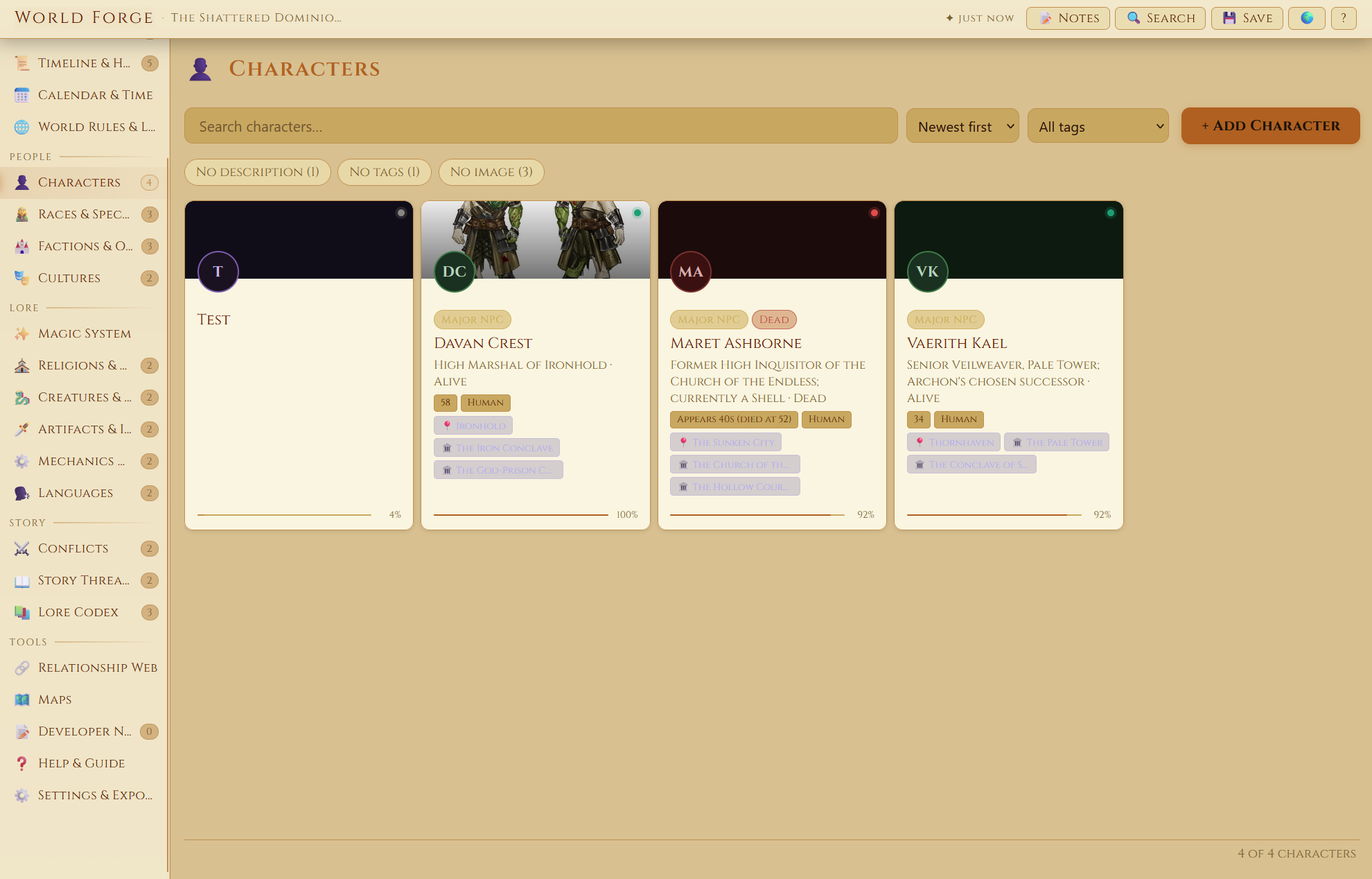
A complete worldbuilding toolkit with 20 built-in sections covering characters, factions, regions, races, cultures, religions, bestiary, artifacts, conflicts, story threads, lore codex, systems and concepts, and more.
- Full magic system builder with schools, spells, practitioners, and a visual spell evolution tree
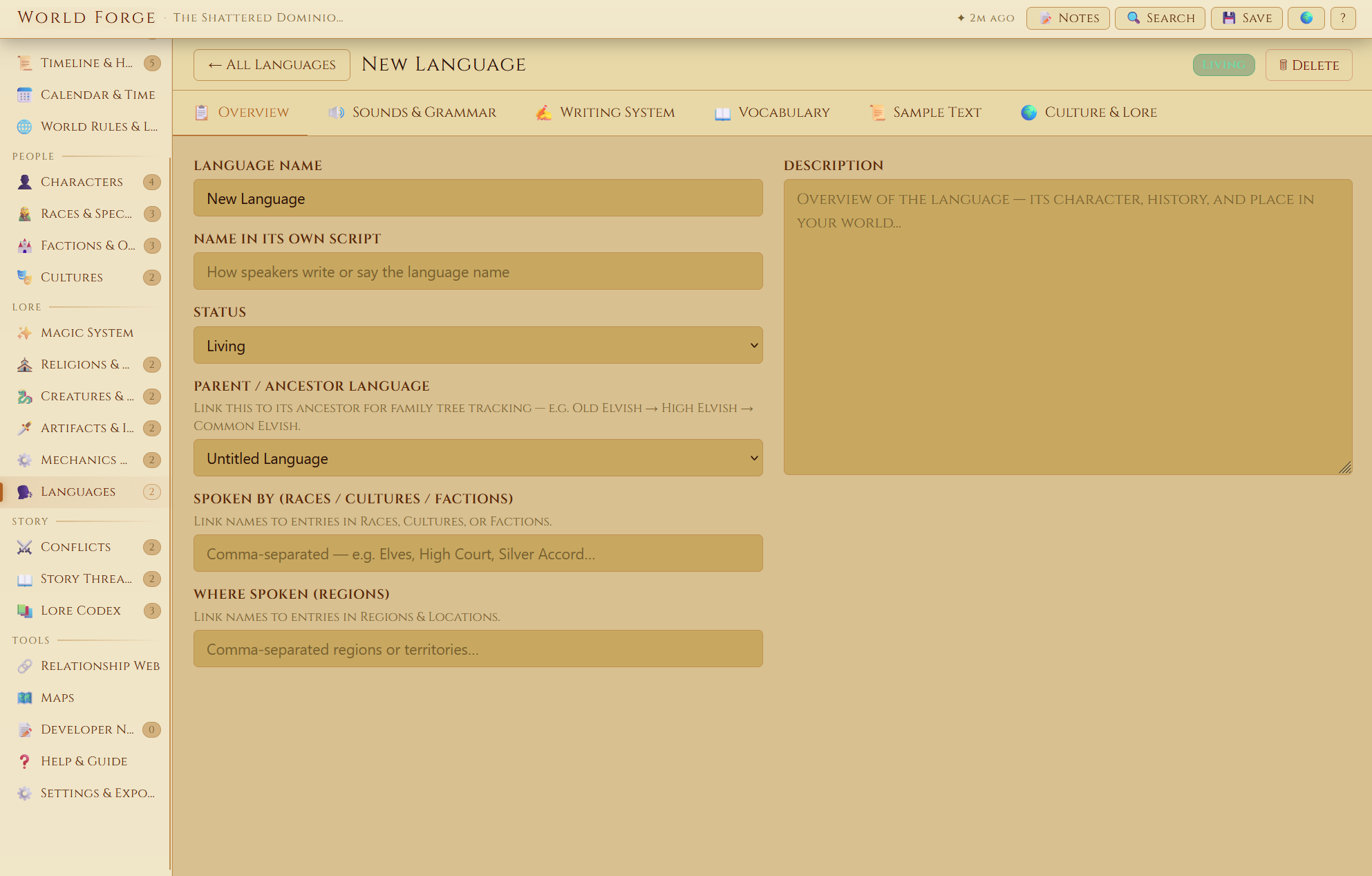
- Language creator with phonology, grammar, writing systems, vocabulary tables, and a freehand script drawing board
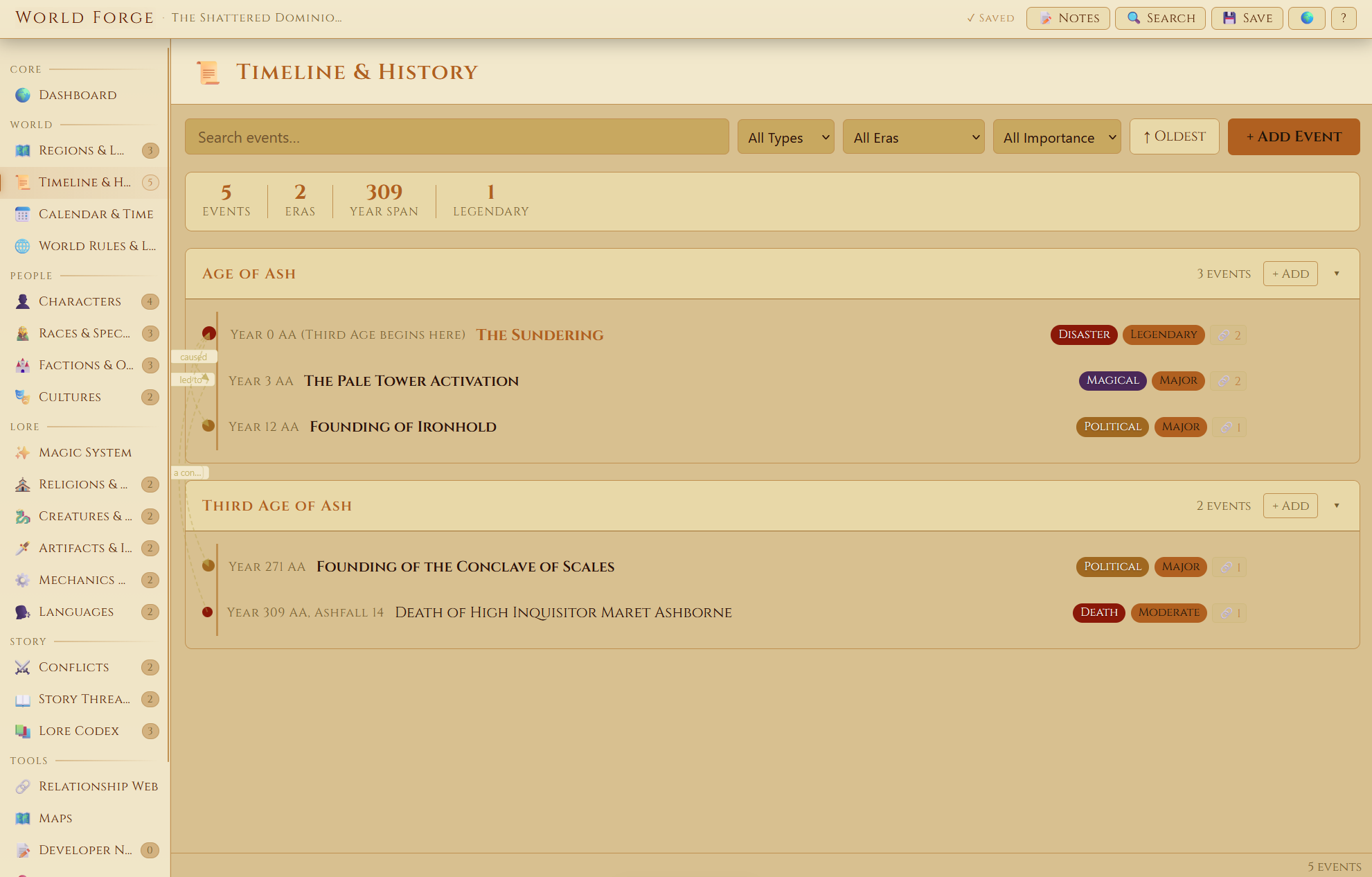
- Timeline and calendar system for tracking history, eras, seasons, moons, and holidays
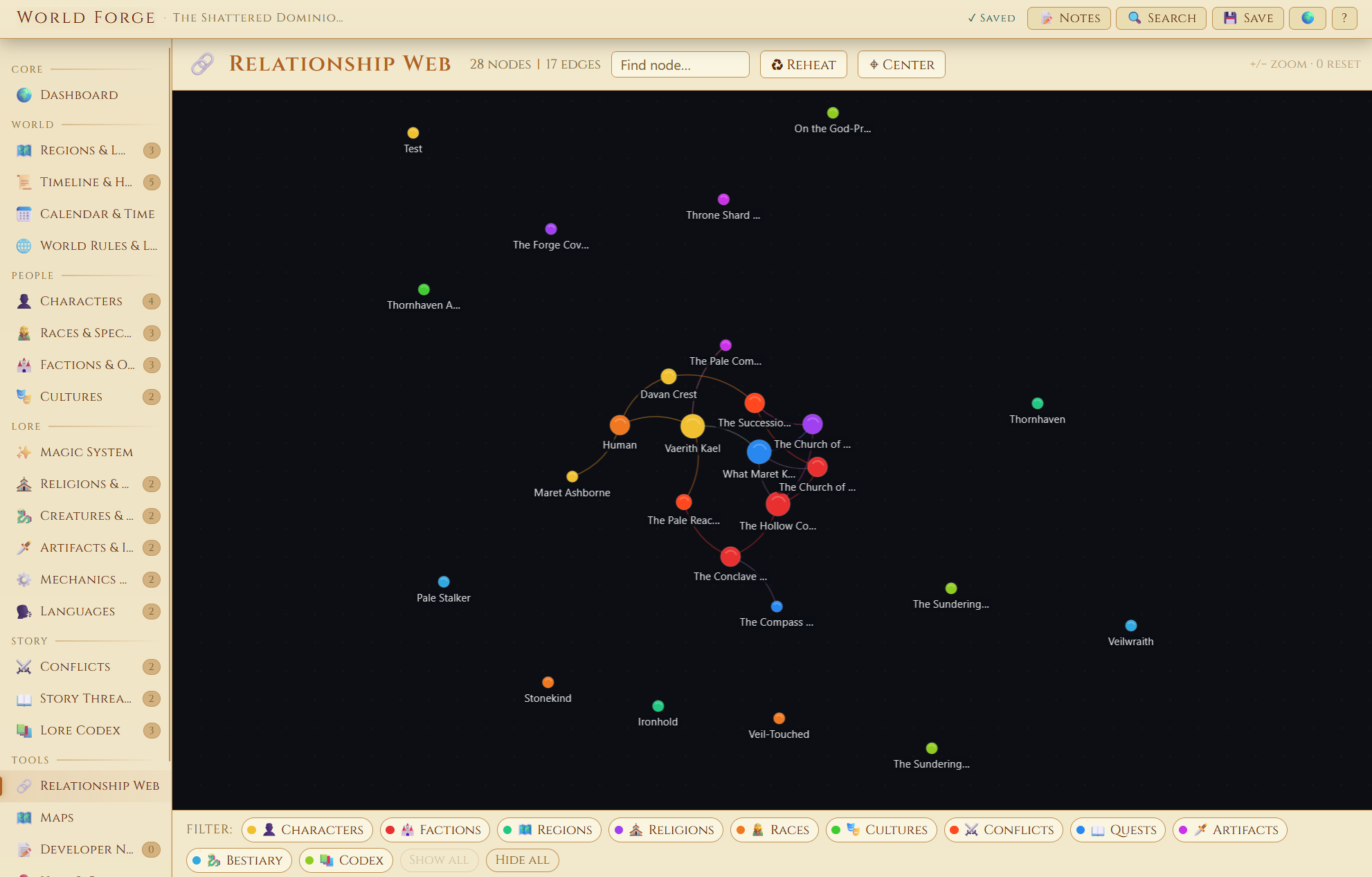
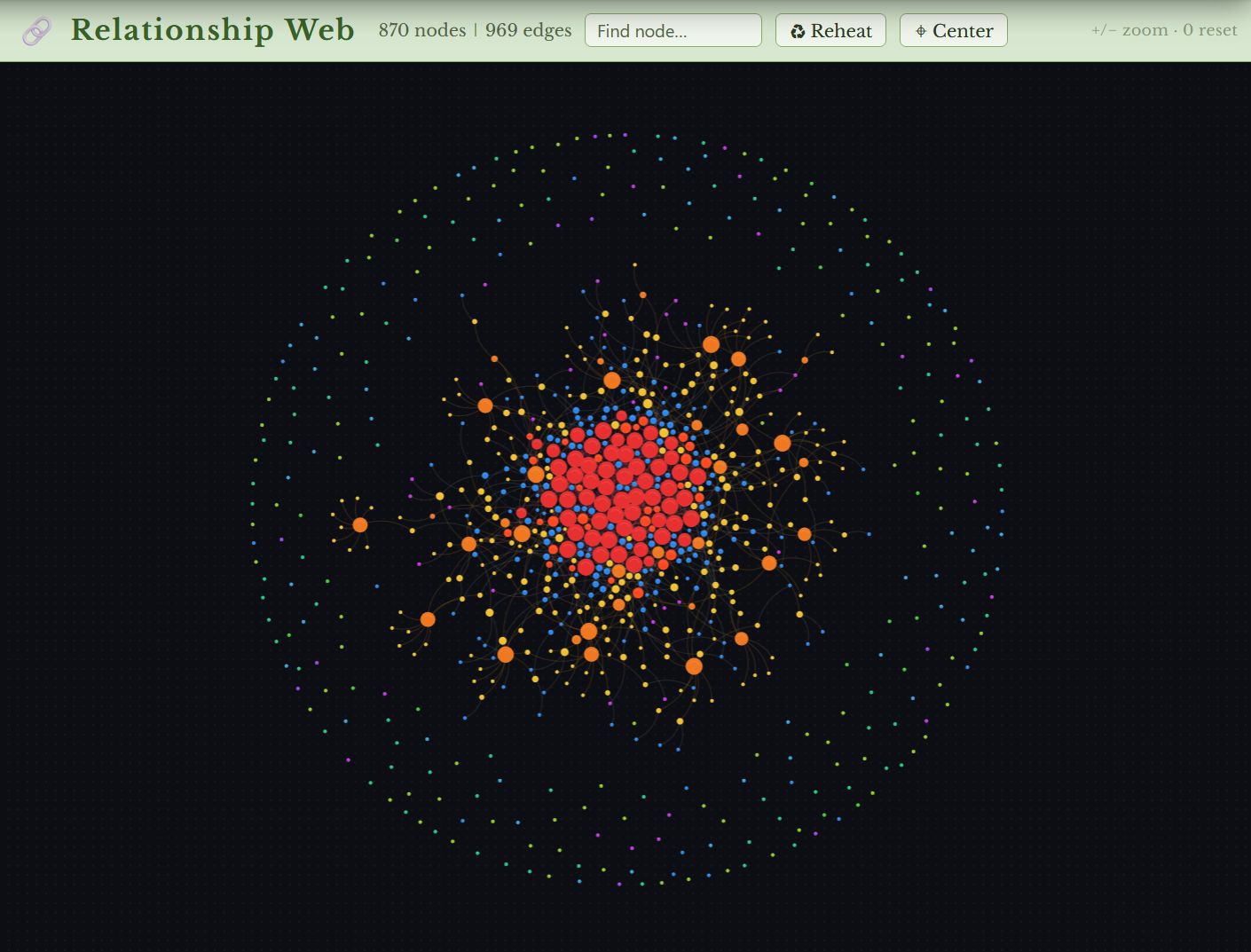
- Interactive relationship web that auto-detects connections between entries across all sections
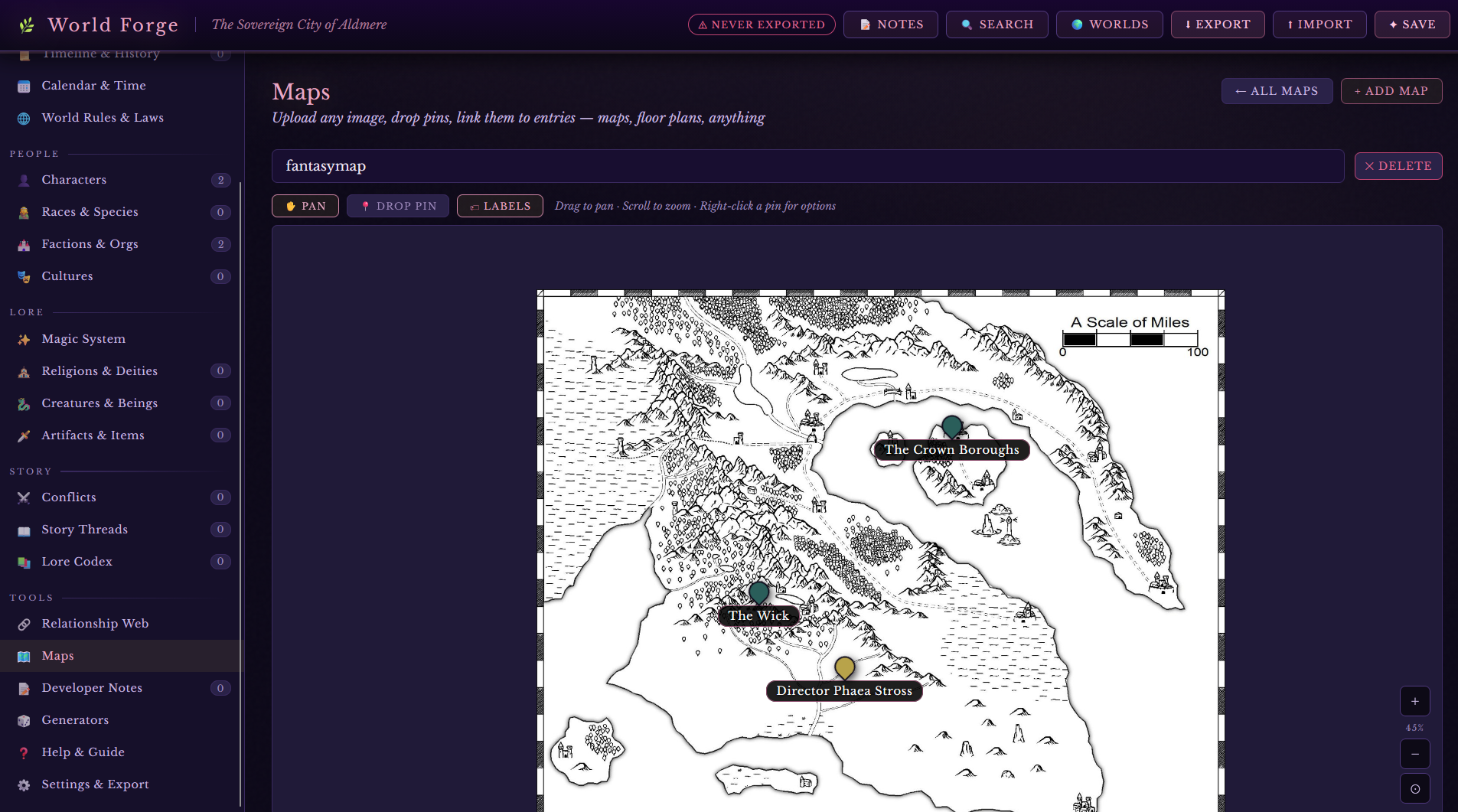
- Map uploads with linked pins you can click through to entries
- Cross-linked fields with universal backlinks that work automatically
- Custom sections and custom fields for full flexibility
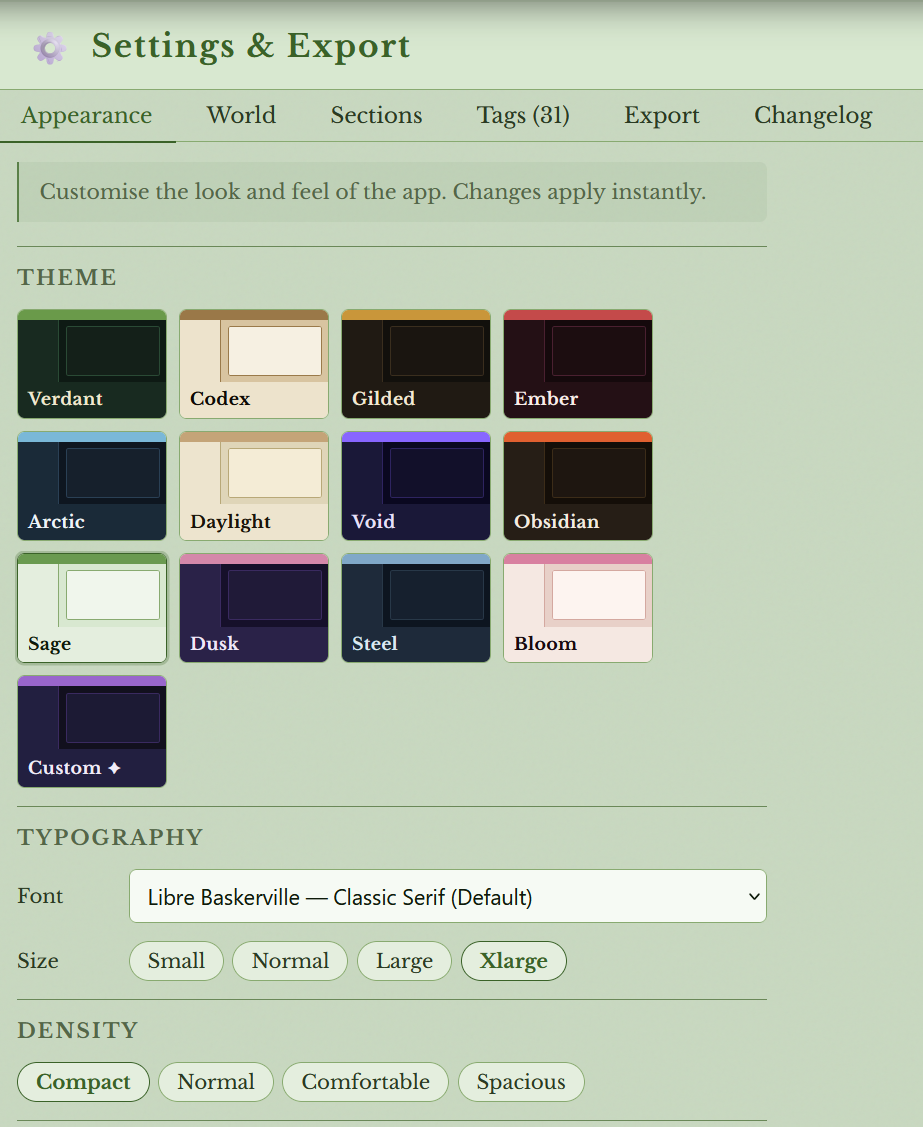
- 12+ visual themes, font picker, font scaling, and custom accent colors
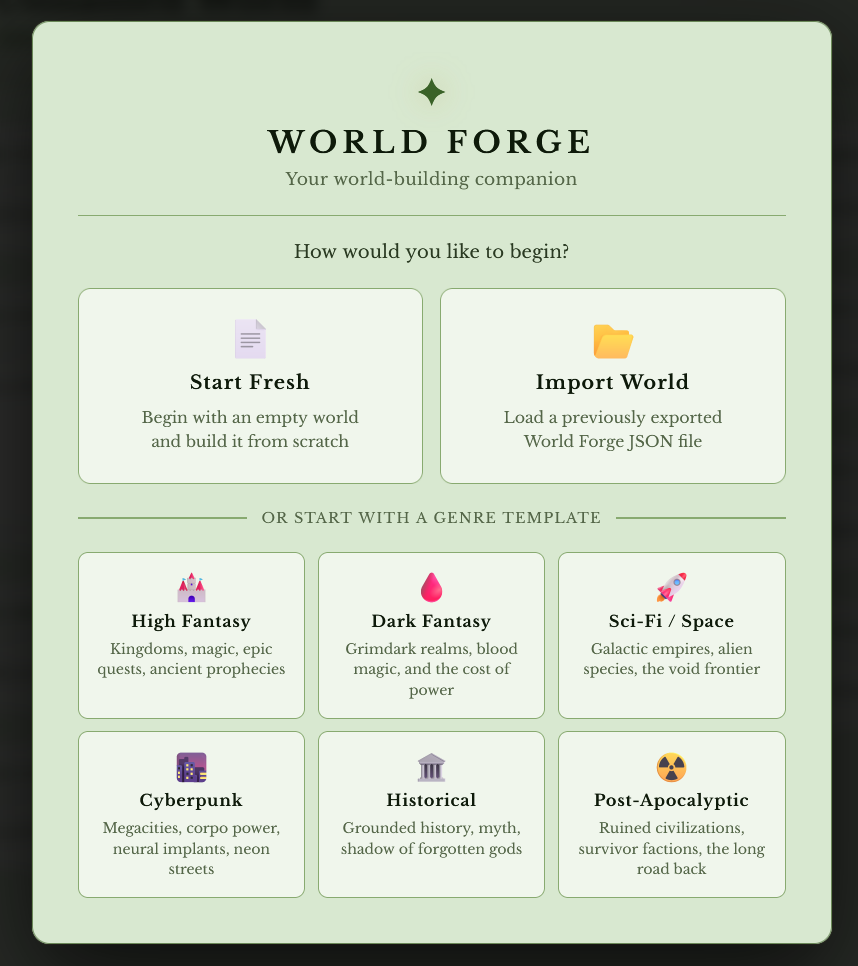
- Genre templates to get started fast: High Fantasy, Dark Fantasy, Sci-Fi, Cyberpunk, Historical, Post-Apocalyptic
- Multi-world library for managing separate projects side by side
- Customizable Layout - hide, rename, or reorder any section. Add your own custom sections with custom fields. Build the tool that fits your workflow, not someone else's.
Tools to support your workflow
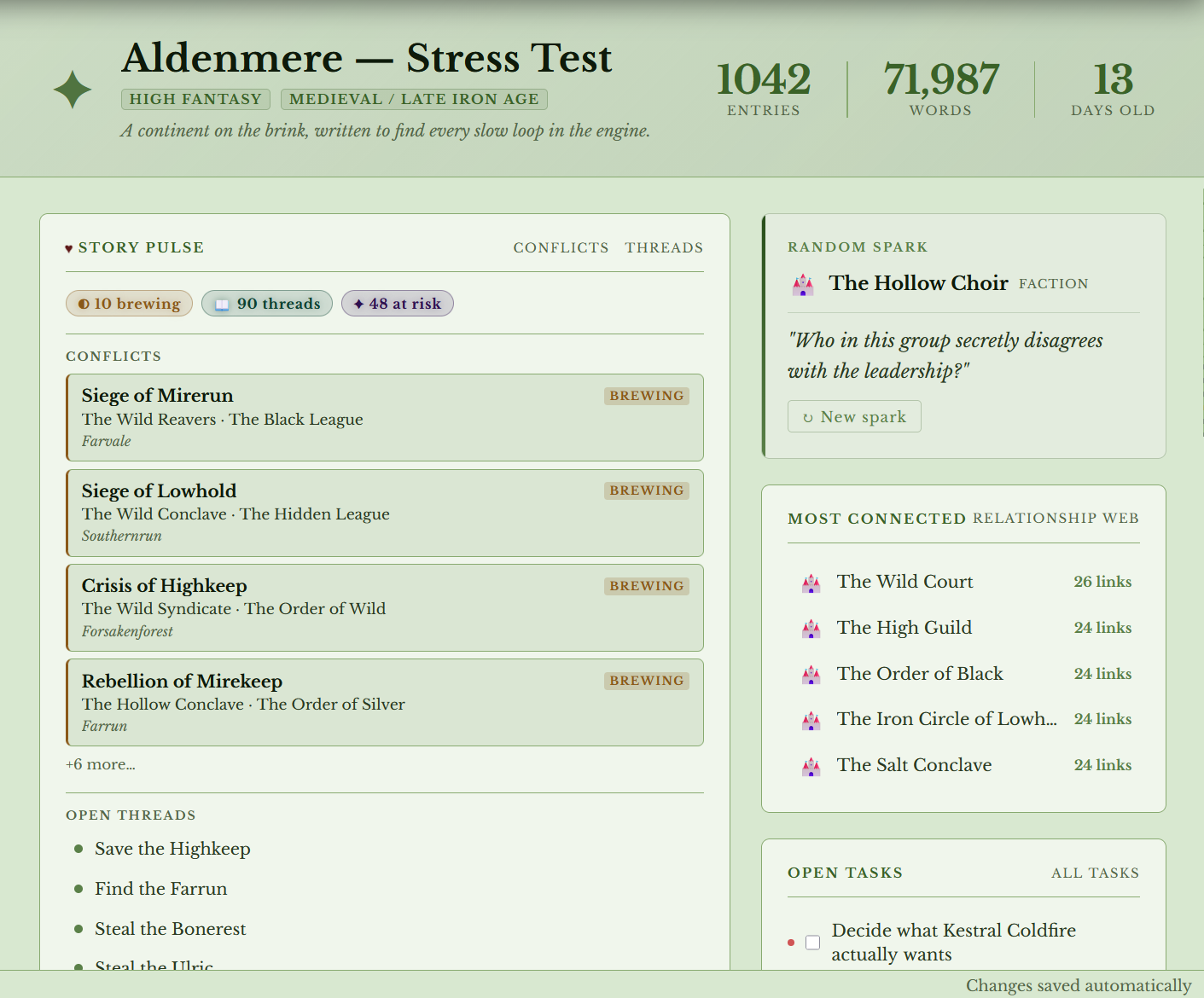
- Story Pulse dashboard showing live conflict status, open threads, and at-risk characters
- Health checks that flag gaps like missing descriptions and stub entries
- Writing Spark for random prompts tied to your least-touched entries
- Global search across every section (Ctrl+K)
- JSON export and import, standalone HTML viewer export, and printable compendium
How it works
Download the file, open it in your browser, and start building. Your work auto-saves to local storage with optional folder backups. Export your world as a JSON file anytime.
A few things to know
- Your data lives in your browser. World Forge saves to local storage, so if you clear your browser data or switch computers, your world won't come with you unless you've exported a JSON backup. Export often.
- No cloud sync. There's no account, no server, and no automatic backup. Keep your exports somewhere safe.
- Browser compatibility. Works best in Chrome and Firefox. Older or niche browsers may behave unexpectedly.
- Google Fonts. World Forge loads fonts from Google Fonts on startup. If you need it fully offline or want complete data privacy, just disable internet access before opening the file. Everything else runs on your machine.
Single-user license · 1,000+ downloads · © 2025–2026 World Forge
Purchase
In order to download this tool you must purchase it at or above the minimum price of $5 USD. You will get access to the following files: